


Ordinary people = engaging suspense
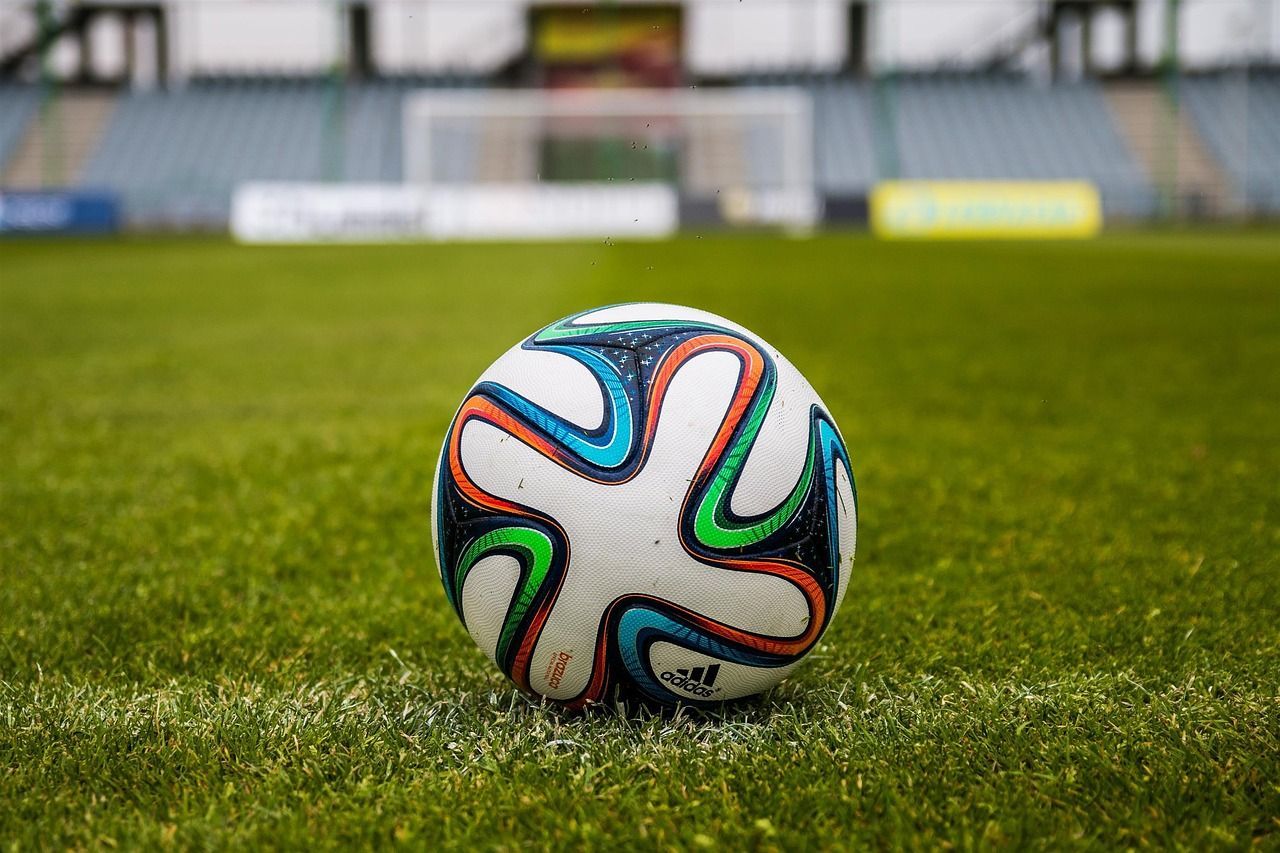
When people think about international sporting events, they often picture the action inside stadiums jammed with tens of thousands of screaming fans. Yet, some of the most memorable moments happen far beyond the first and last whistles. What I’ve seen in Mexico during a FIFA match, is entire towns transformed by watch parties in homes or bars, convoys of vehicles honking horns and waving flags from windows, and everyone out celebrating. We’re all wearing green shirts in honour of our Mexican football team and it’s amazing. It’s been a time when strangers become neighbours for a few unforgettable weeks. Walking through the streets at any time of day, you can feel the energy. Hawkers are selling Mexican themed team shirts of all kinds. Families bring their lawn chairs to the malacon to watch the match on a big screen television set up by the skateboard park. Before and afterwards, folks gather in the central square. A few weeks ago, I was on a flight from Toronto to Mexico City connecting to Guadalajara. Fans from all over the world were wearing team jerseys. There was such a happy buzz of pride and laughter. The man I sat beside was born in Mexico but hadn’t been back in forty-one years (he’d had a complicated life). He had tickets to games in Mexico City (CDMX) and Guadalajara. When we arrived in Guadalajara airport, there were two lines of people dressed in team colours greeting everyone heading out of the terminal. Music, chanting, dancing—I’d never seen anything like it. Last night on my way home from watching the game with a group of friends, there were no cars on the streets. It was eerily quiet. Even the dogs were silent. Yet, form every house I passed by on the way home, I could hear the game and cheers behind the curtains. When Mexico ended the game with a 2-0 win, then the celebrations spilled into the streets. Lots of cohetes being set off, cheering, and horns honking long after the match had ended. Everywhere you look, people are wearing team jerseys, interesting headgear or draping themselves in the flag. The sense of excitement is contagious. What makes the celebration especially memorable is the friendliness of the Mexican people. We saw lots of that hospitality offered in Tijuana to the Iranian team, whose exclusion form the US meant they had to fly out of Mexico for every match, and return afterwards. The Korean team will remember Mexican hospitality for a long time. In fact, there are lots of memes circulating that in nine months, there will be dozens of Korean Mexican babies born with names like Fernando Kim, Yoon Sun Lopez, Andreas Lorenzo Lee, Lourdes Maria Park. Especially in these troubled times, events like soccer with teams from around the world, remind us that competition can unite people and give them a break from political shanigans.
Be authentic
using Memory to Serve the Story
put Ordinary People into Extraordinary Situations
Writing Tip
Conflict fuels story

COnflict Matters
Riding the Short Story Rollercoaster

Just finish...